
BIRTHDAY IMAGE E-CARDS
Online Birthday Invitation E-card
A little card. A big celebration.
Choose a birthday image card and check its personalisation options.

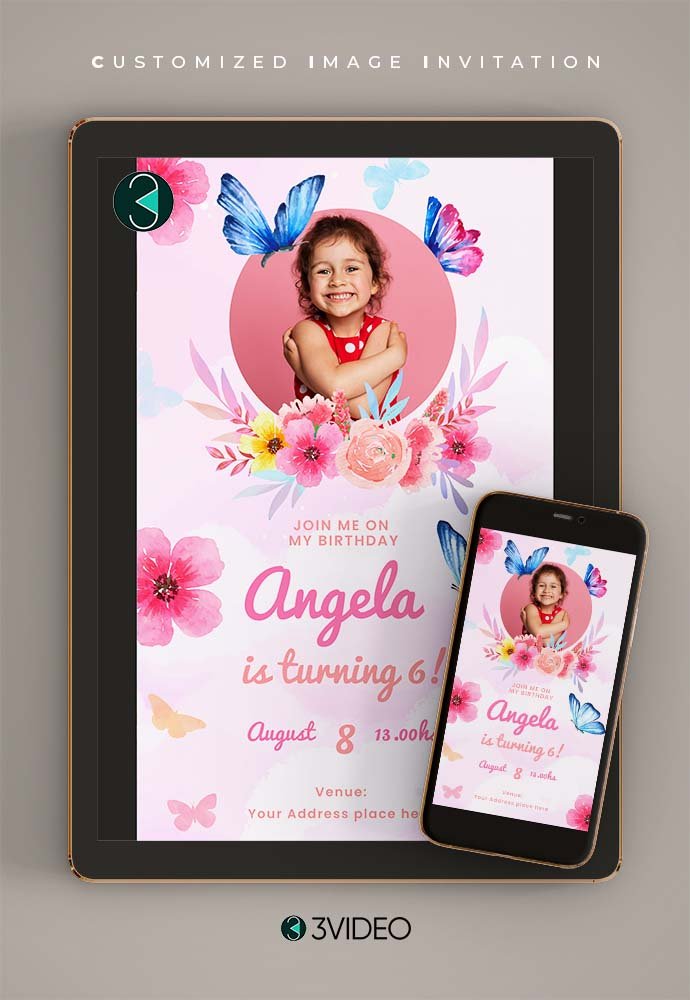

EXPLORE THE COLLECTION
Choose your birthday e-card
More birthday cards ↗Choose a design to view its current price, editing options and next steps. Available features vary by design.
-

The boss baby girl Birthday Invitation Card online
Original price was: ₹ 50.00.₹ 45.00Current price is: ₹ 45.00. -

Tinkerbell Periwinkle Birthday Invitation Card online
Original price was: ₹ 50.00.₹ 45.00Current price is: ₹ 45.00. -
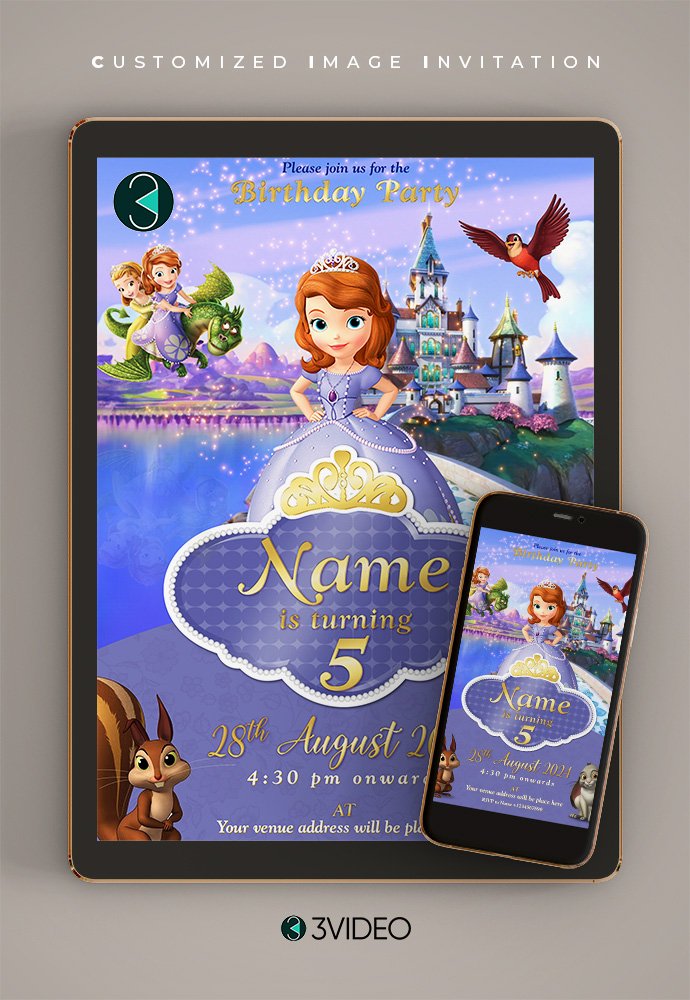
Sofia Birthday Invitation Card online
Original price was: ₹ 50.00.₹ 45.00Current price is: ₹ 45.00. -
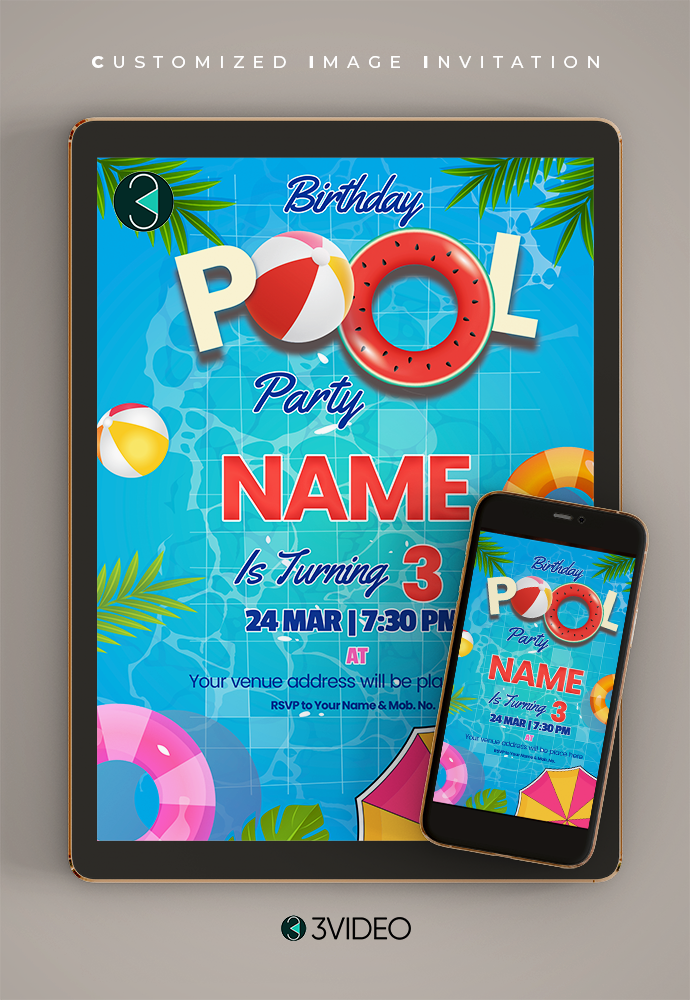
Pool Party Birthday Invitation Card online
Original price was: ₹ 50.00.₹ 45.00Current price is: ₹ 45.00. -
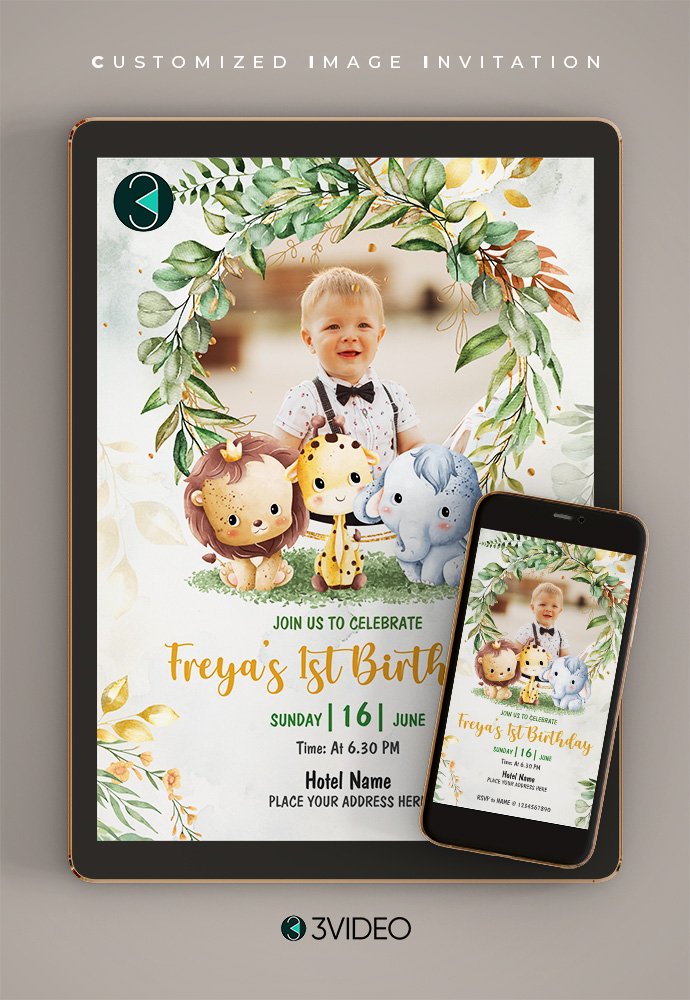
Jungle Safari Birthday Invitation Card online
Original price was: ₹ 50.00.₹ 45.00Current price is: ₹ 45.00. -
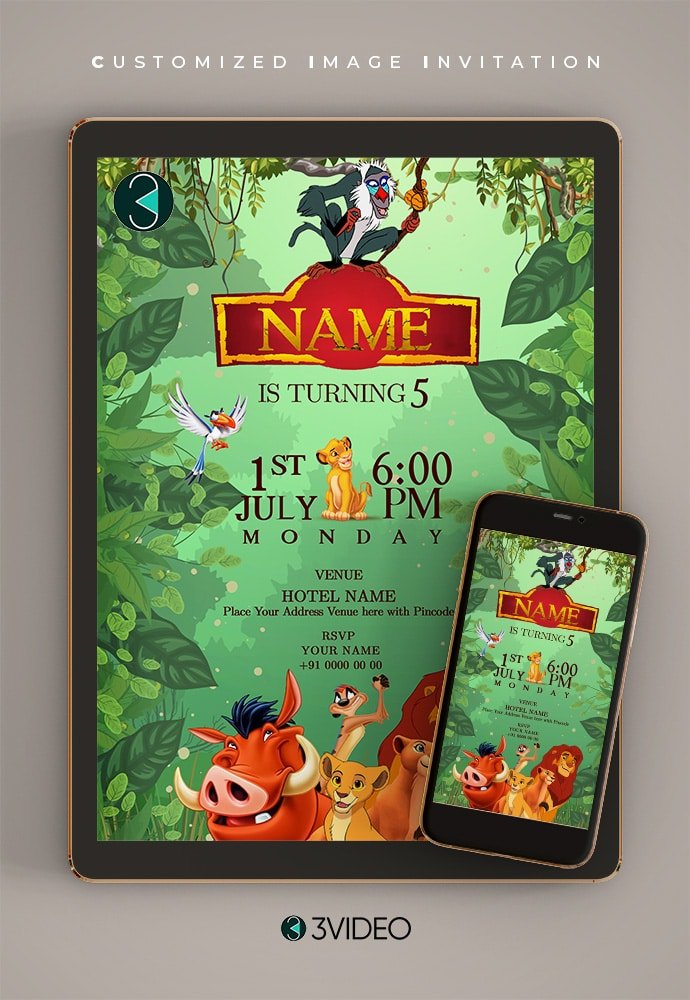
Lion King Birthday Invitation Card online
Original price was: ₹ 50.00.₹ 45.00Current price is: ₹ 45.00. -
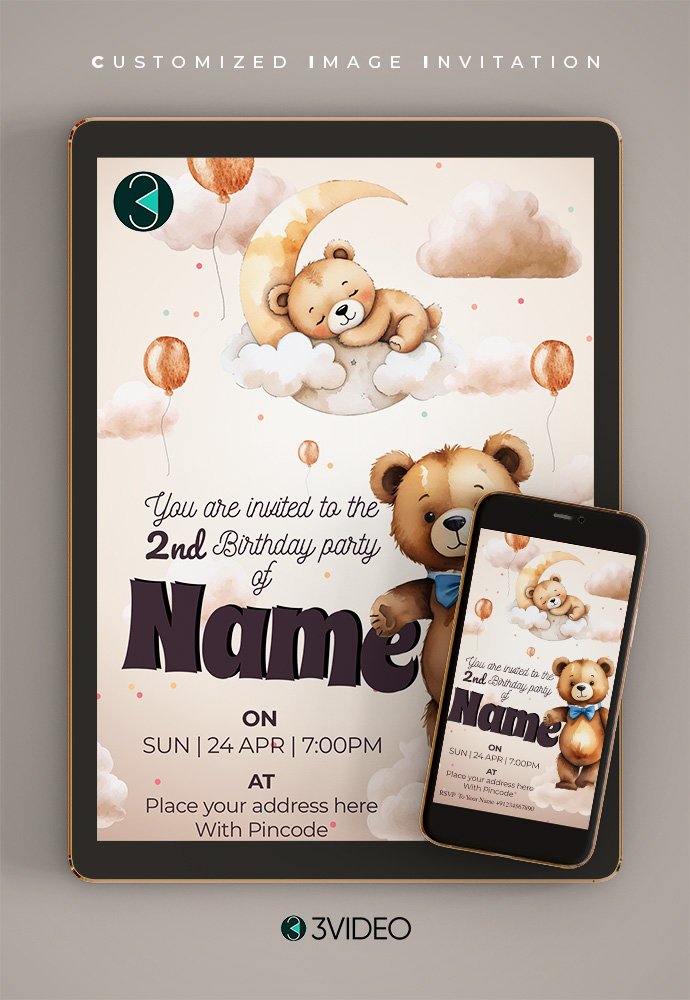
Teddy Bear Birthday Invitation Card online
Original price was: ₹ 50.00.₹ 45.00Current price is: ₹ 45.00. -
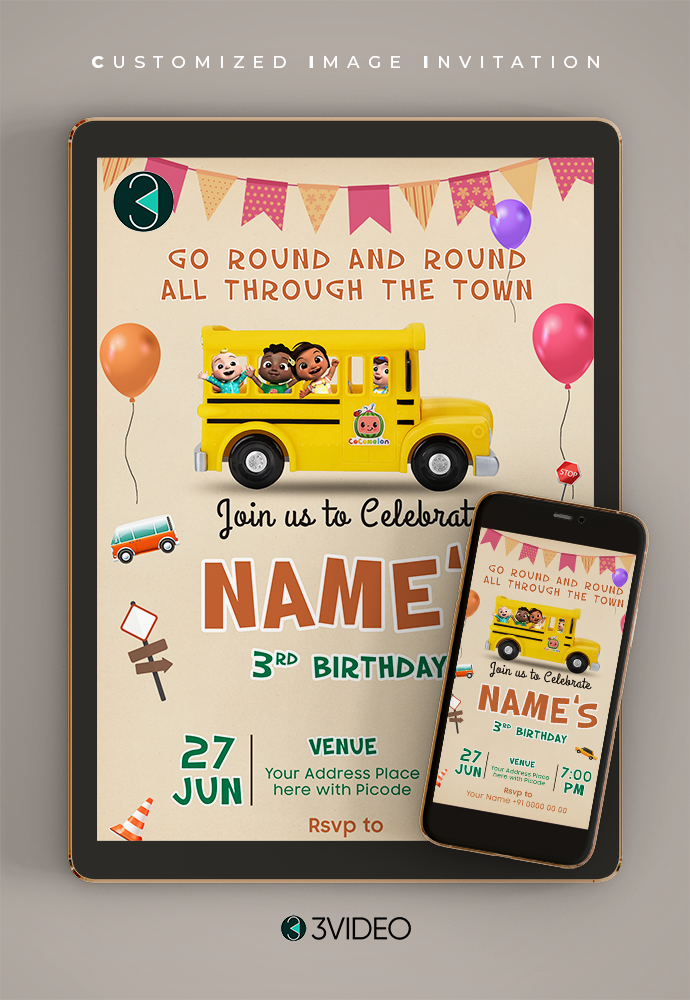
Wheel on The Bus Birthday Invitation Card online
Original price was: ₹ 50.00.₹ 45.00Current price is: ₹ 45.00. -

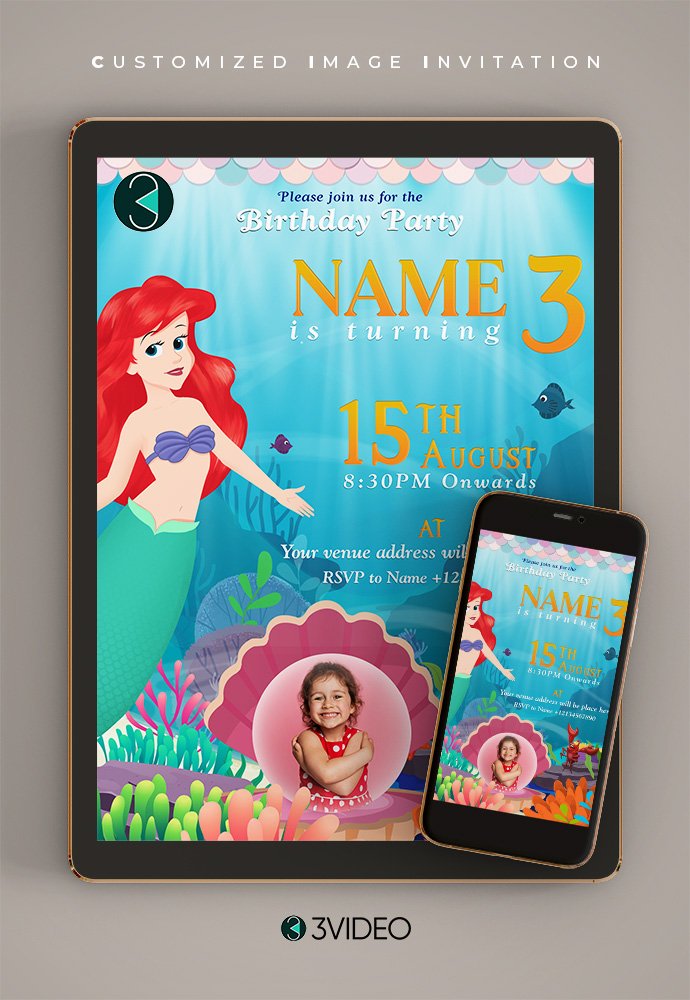
Mermaid Birthday Invitation Card online
Original price was: ₹ 50.00.₹ 45.00Current price is: ₹ 45.00. -
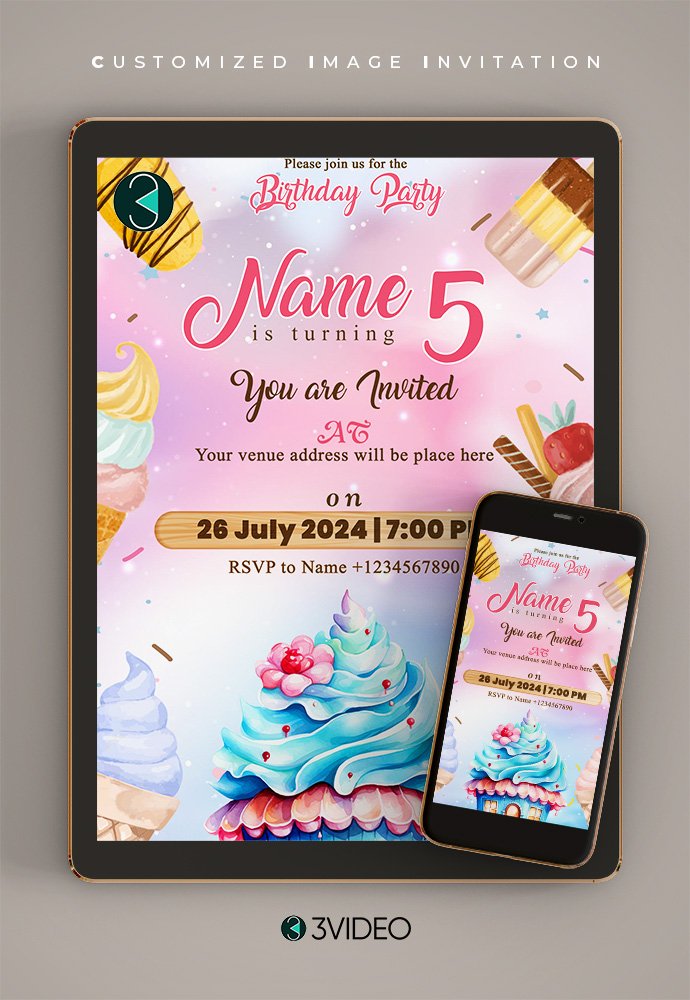
Ice cream Birthday Invitation Card online
Original price was: ₹ 50.00.₹ 45.00Current price is: ₹ 45.00. -

Subway Surfers Birthday Invitation Card online
Original price was: ₹ 50.00.₹ 45.00Current price is: ₹ 45.00. -
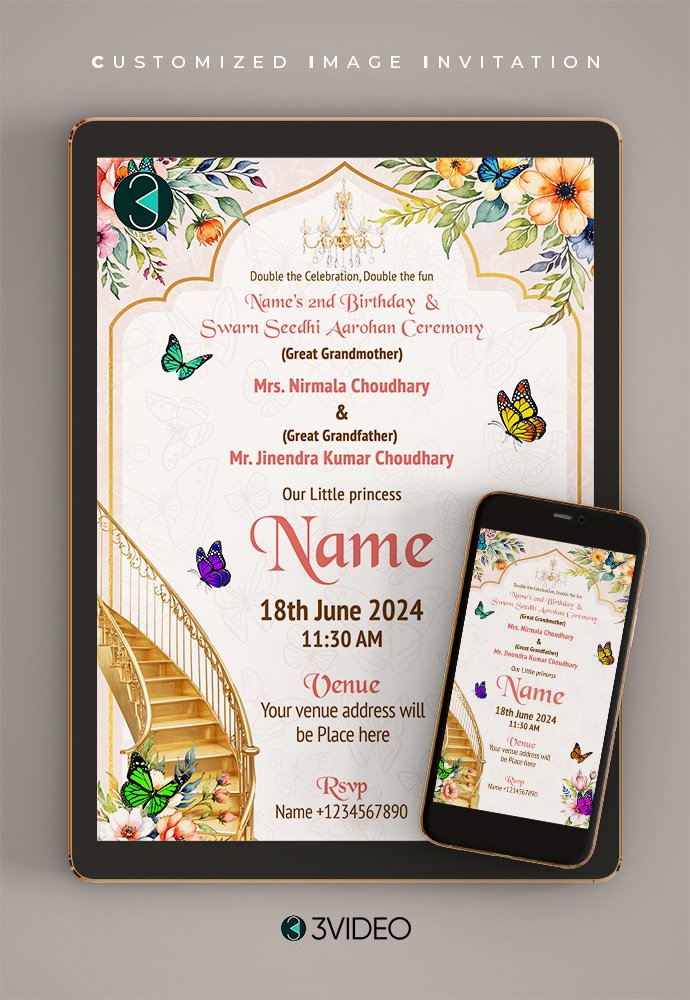
Swarn Sidhi Birthday Invitation Card online
Original price was: ₹ 50.00.₹ 45.00Current price is: ₹ 45.00. -
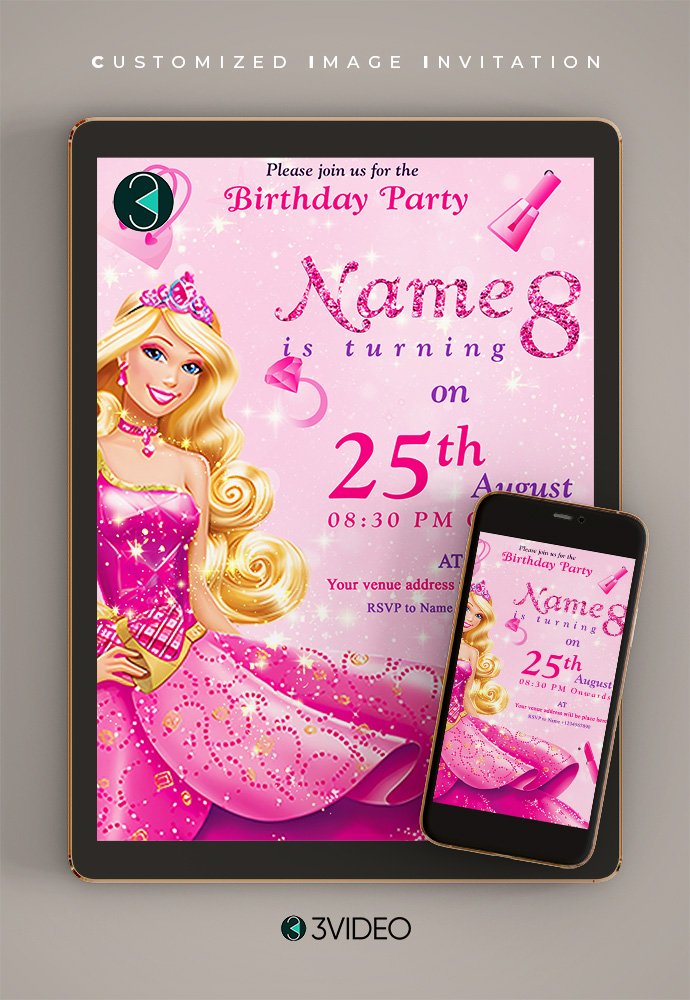
Barbie Birthday Invitation Card online
Original price was: ₹ 50.00.₹ 45.00Current price is: ₹ 45.00. -
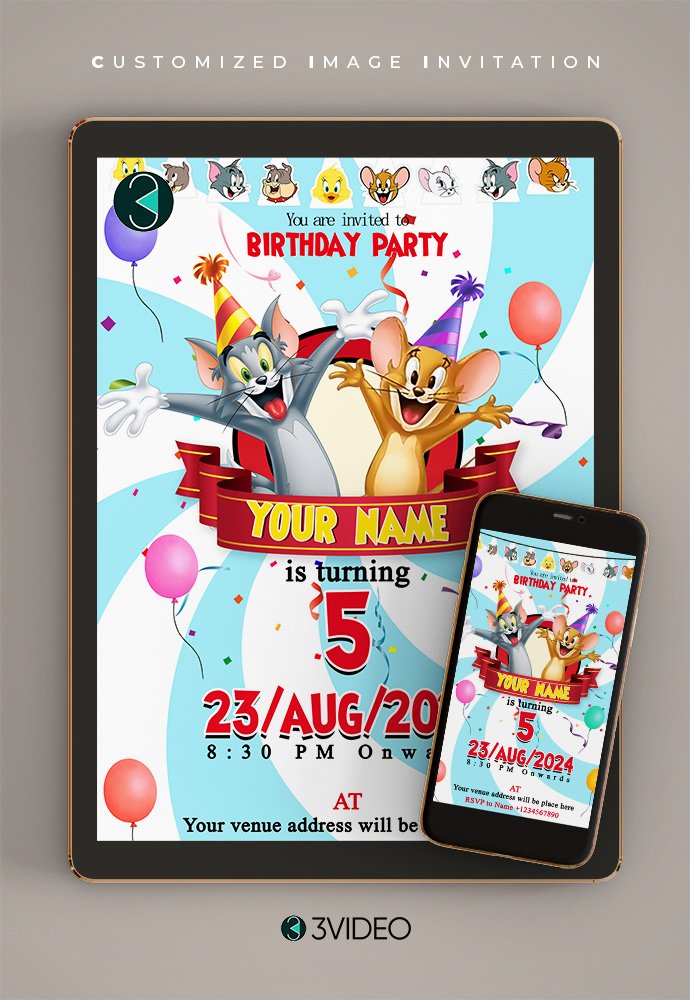
Tom and Jerry Birthday Invitation Card online
Original price was: ₹ 50.00.₹ 45.00Current price is: ₹ 45.00. -
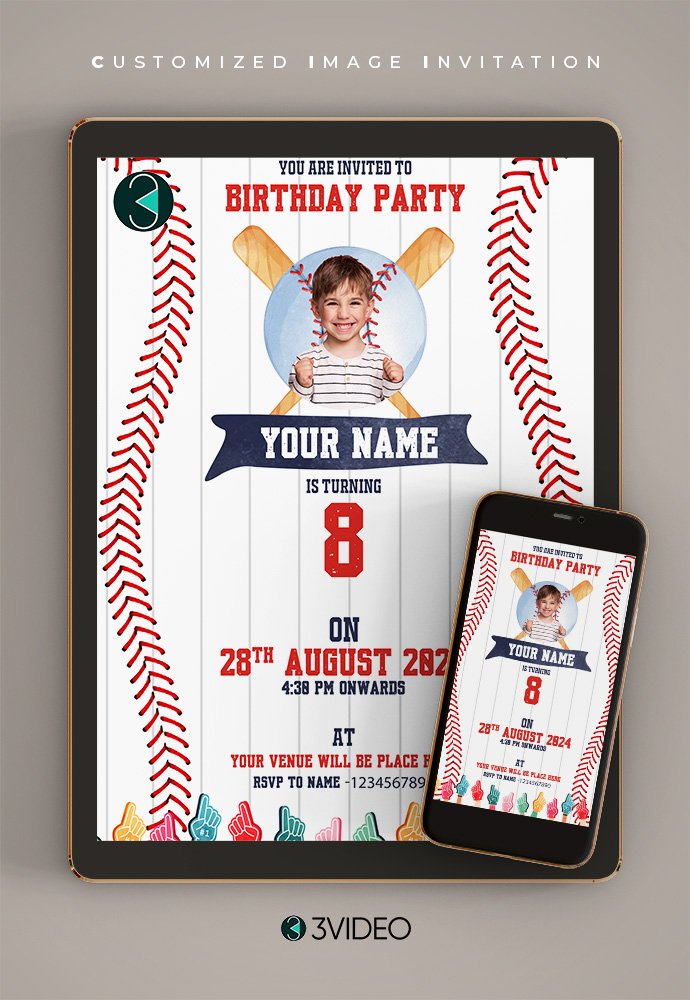
Baseball Birthday Invitation Card online
Original price was: ₹ 50.00.₹ 45.00Current price is: ₹ 45.00. -
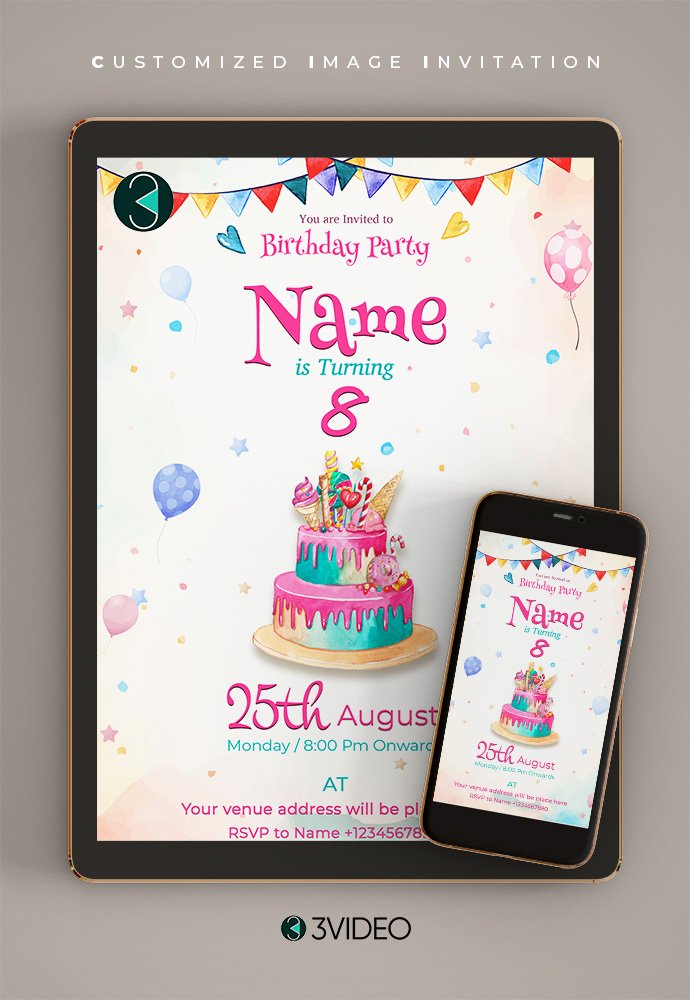
Birthday Invitation Card online
Original price was: ₹ 50.00.₹ 45.00Current price is: ₹ 45.00.


CHOOSE. PERSONALISE. CHECK. CONTINUE.
How to personalise your
birthday e-card
Start with a design you like. Check the options and instructions on its product page before you order.
Find Your Design →
- 1Choose a design
Browse the image-card collection and open your favourite birthday theme.
- 2Add your details
Use the available editor to change text and add a photo where the selected template supports it.
- 3Review your card
Check names, spelling, date, time, venue and the price shown before checkout.
- 4Follow the next steps
Follow the selected design’s checkout and saving instructions. Contact our team if you need help before you order.
HELPFUL BEFORE YOU START
Make your birthday invitation clear
An online birthday invitation e-card is a digital image invitation that brings your party details together in one card. Once your final image is available, you can share it electronically with your guests.
What to include in your e-card
- The birthday person’s name and age, if you want to include it
- Party date and start time
- Venue name and address, or clear joining instructions
- An RSVP name or number, if needed
- A photo, where the selected design supports one
Image e-card or birthday video?
Choose an image e-card when you want a still invitation with the key party details. If you would like animation or music, explore our birthday video invitation options instead.
Explore birthday video invitations ↗Looking for a wider selection? Browse birthday invitation cards.
HELPFUL BEFORE YOU START
Make your birthday invitation clear
An online birthday invitation e-card is a digital image invitation that brings your party details together in one card. Once your final image is available, you can share it electronically with your guests.
What to include in your e-card
- The birthday person’s name and age, if you want to include it
- Party date and start time
- Venue name and address, or clear joining instructions
- An RSVP name or number, if needed
- A photo, where the selected design supports one
Image e-card or birthday video?
Choose an image e-card when you want a still invitation with the key party details. If you would like animation or music, explore our birthday video invitation options instead.
Explore birthday video invitations ↗Looking for a wider selection? Browse birthday invitation cards.
A FEW USEFUL ANSWERS
Birthday e-card questions
What is an online birthday invitation e-card?
It is a digital image invitation containing your birthday party details. Once the final image is available, you can share it electronically with friends and family.
How do I personalise an e-card?
Open a design and check its available customisation options. Where an online editor is provided, you can edit the template’s text and use the other supported tools. Review your details before following that design’s checkout instructions.
Can I add a photo?
Some designs support a photo. Check the selected product’s editor and instructions to see whether a photo can be added and where it will appear.
Are all birthday e-cards free?
Prices vary by design. Check the selected product’s current price and any checkout requirements before continuing. A displayed price alone does not confirm which editing or saving options are included.
How do I save or receive my finished card?
Follow the selected design’s available checkout and saving instructions. Check its product page for any watermark or final-output conditions before ordering. Contact 3VIDEO.IN if you need help with a particular card.
Can I share my e-card on WhatsApp?
Yes. Once you have the final invitation image, you can send it to your guests on WhatsApp. Check that the names, date, time and venue are easy to read before sharing.
Can I choose a video invitation instead?
Yes. Explore the birthday invitation collection for video options. Video invitations and still image e-cards have different features, so check the selected product before ordering.
Need help choosing? Contact 3VIDEO.IN ↗
MAKE IT PERSONAL
A little card.
A big celebration.
Find a birthday image-card design you love and check its options. Need a hand choosing? Talk to 3VIDEO.IN before you order.