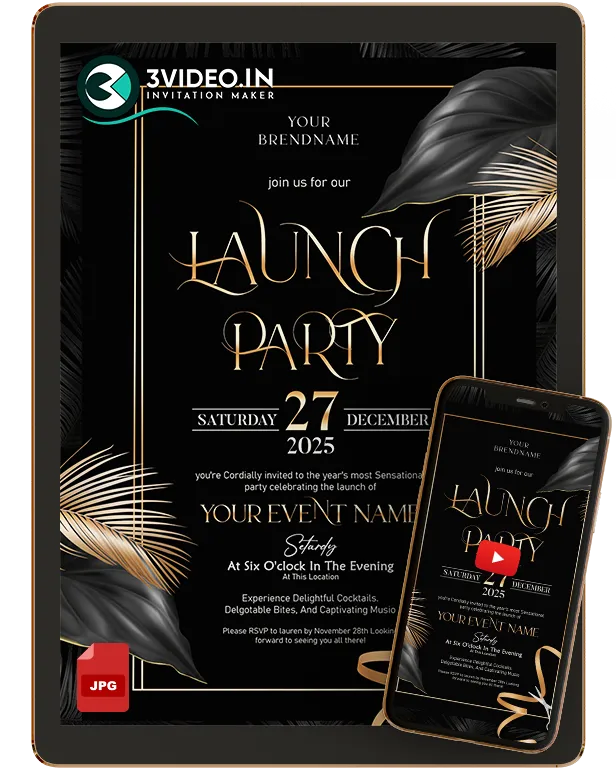
Digital business announcement invitations for grand openings, branch launches, and official company updates. Perfect for online sharing.
Share what is changing, when it takes effect and what your audience should do next. If guests are attending an opening ceremony, choose the focused Grand Opening Invitations category.
Personalised details Digital delivery Share on WhatsApp
Current all-purpose design Open the product to check suitability
EXPLORE THE CURRENT COLLECTION
Current designs to discuss for your announcement
Browse the current designs as starting points. Open a product to check its format and options, or discuss an announcement around your approved company message.
₹ 720.00–₹ 1,350.00Price range: ₹ 720.00 through ₹ 1,350.00Select options
This product has multiple variants. The options may be chosen on the product page
₹ 720.00–₹ 1,350.00Price range: ₹ 720.00 through ₹ 1,350.00Select options
This product has multiple variants. The options may be chosen on the product page
Check the product preview and available options before ordering. Confirm additional branding, content, price and delivery with the team.
What is a digital business announcement?
A digital business announcement shares a company update, new branch, business milestone or other news with customers, partners or employees. State the announcement clearly, give the relevant date and contact details, and add attendance information only if the update includes an event.
BEFORE YOU ORDER
Make the announcement clear
Lead with the company news, then include the practical information your audience needs.
✓Company or brand name and an approved announcement headline
✓What is changing or being announced, in a short clear message
✓The announcement or effective date, where relevant
✓New location, contact details or next action, if applicable
✓Logo and other approved assets; event date and venue only when inviting guests
A CLEAR NEXT STEP
Prepare your business announcement
01
Define the update
Decide what your audience needs to know and whether the announcement also invites them to an event.
02
Choose a design and confirm the message
Review a current product or share a custom brief. Provide the final company wording and ask about branding and format options.
03
Confirm and order
Check price and delivery, follow the selected ordering process and share the announcement after digital delivery.
HELP WITH YOUR INVITATION
Business announcement questions
Plan the details. Choose with confidence.
How is a business announcement different from an event invitation?+
An announcement tells an audience about company news or a change. An event invitation asks guests to attend at a stated date, time and place. If your update includes an event, include both the announcement and the practical attendance details.
Can I use an announcement for a new branch?+
Yes. State the branch name or location, the relevant opening or effective date and the information customers need. If you are inviting guests to a branch inauguration, use the grand opening category for the event invitation.
What should a company announcement card include?+
Include the company name, a clear headline, a short approved message, any relevant date and a contact or next action. Add an address when it helps the audience understand the update.
Can I include a company logo and brand wording?+
Share the approved logo and final wording with the team. Ask which changes are available in the selected product, or confirm a custom design scope before ordering.
Where can I check formats, price and delivery?+
Open a current product to see its available options and any listed price. Ask the team when a price is not shown, and confirm any additional announcement content, custom branding and required delivery date before ordering.
YOUR NEXT BUSINESS OCCASION
Have a company update to share?
Browse a current design or send 3VIDEO your approved message and announcement requirements.