
THE FIRST CHAPTER OF YOUR WEDDING
Save the Date
Wedding Invitations
A beautiful first announcement.
Announce your wedding date with a personalised video or e-card. Explore traditional, floral, Punjabi and casual designs, then share your details for personalisation.

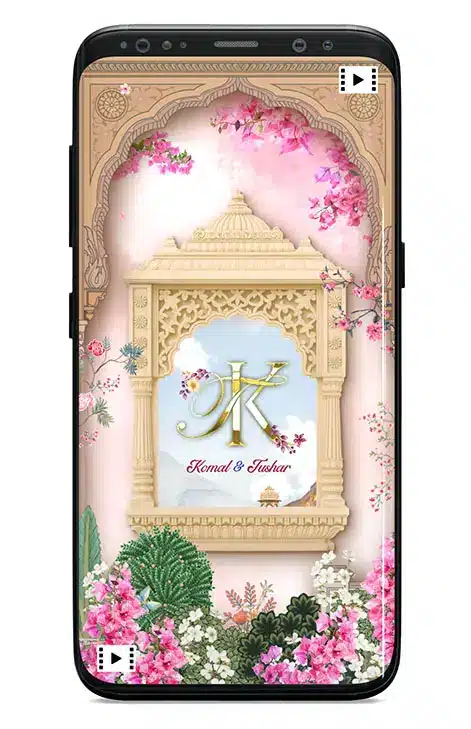
Let the countdown begin.Your names. Your date. Your celebration.
EXPLORE THE COLLECTION
Find your first
wedding announcement
Explore videos and e-cards across all three catalogue pages. Open a design to view its sample, personalisation options and current price.
-
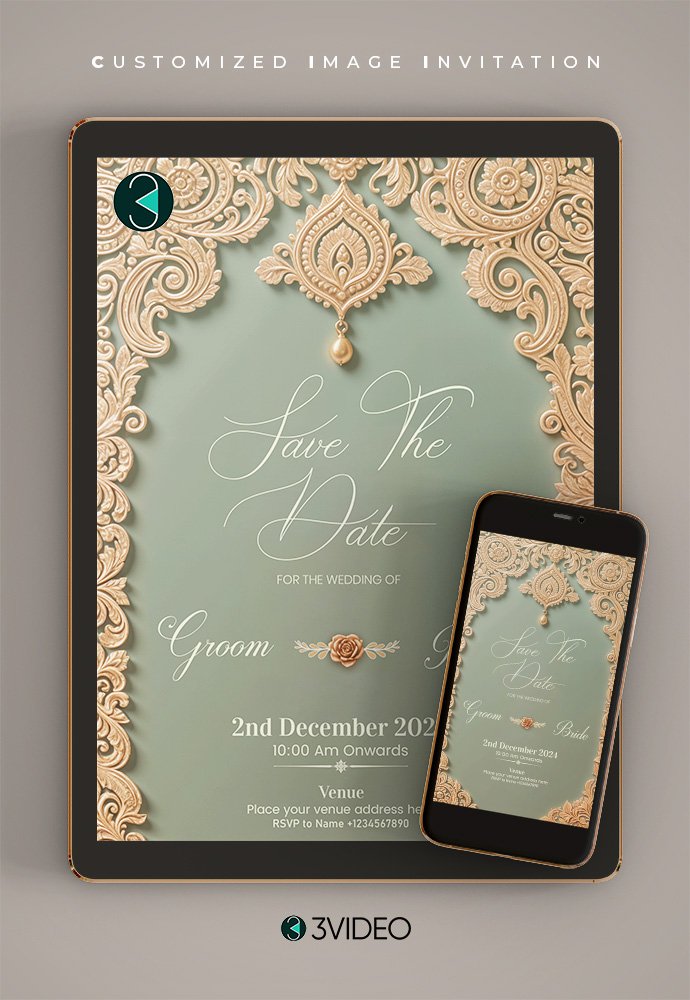
Save The Date E-Card for wedding_V3
Original price was: ₹ 250.00.₹ 225.00Current price is: ₹ 225.00. -

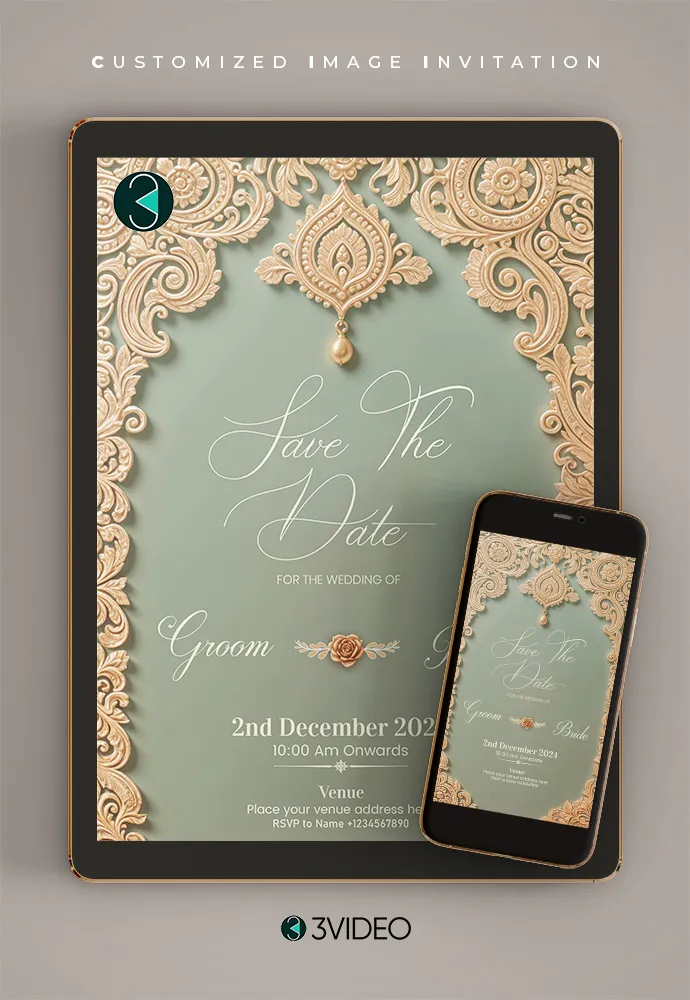
Save The Date E-Card for wedding_V2
Original price was: ₹ 250.00.₹ 225.00Current price is: ₹ 225.00. -

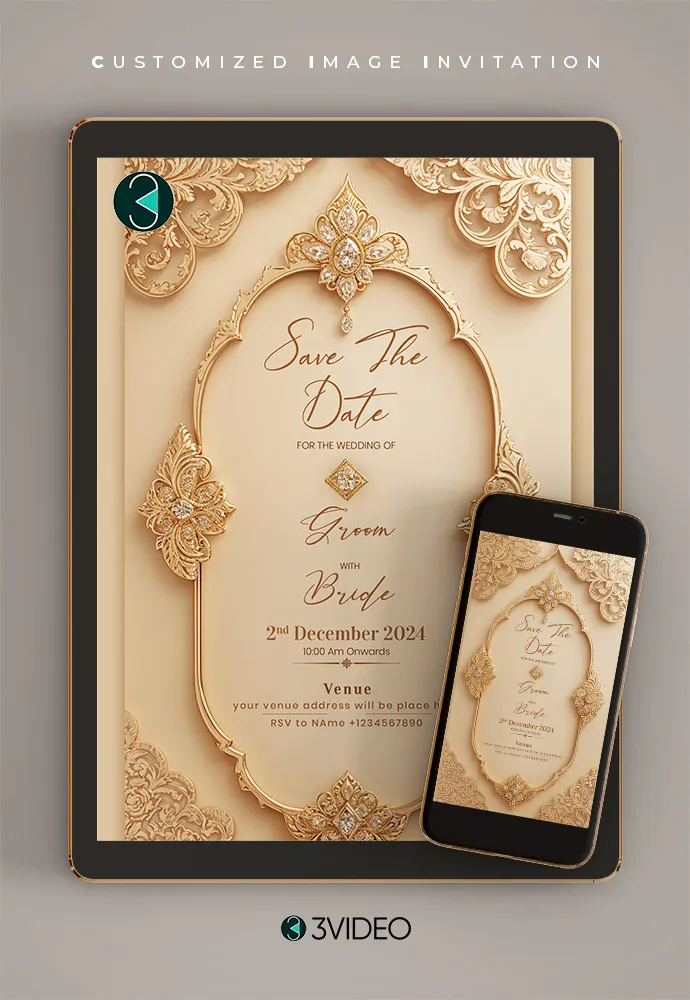
Save The Date E-Card for wedding_V1
Original price was: ₹ 250.00.₹ 225.00Current price is: ₹ 225.00.
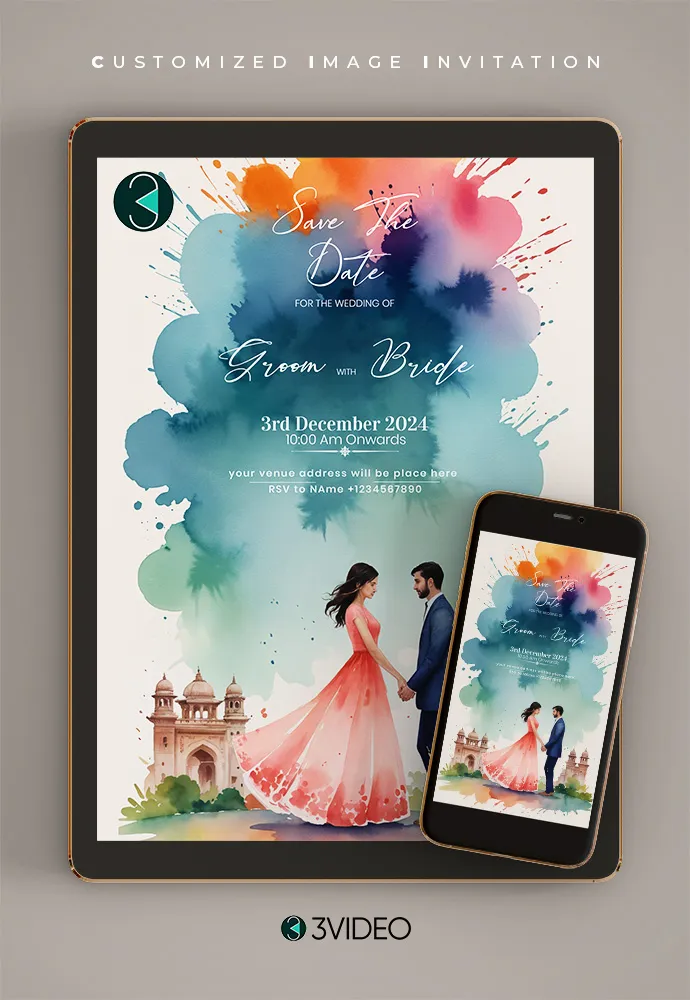
BEFORE THE WEDDING INVITATION
What is a
save the date?
A save the date is an early wedding announcement that tells guests your names, wedding date and, when confirmed, the city or location. It helps them keep the date free before your full wedding invitation is ready.
Your wedding invitation can follow with the ceremony schedule, venue address and other details. Keep the first announcement simple and make the date easy to find.
Planning the full invitation? Explore wedding invitations →FROM YOUR DATE TO THEIR DIARY
Create your save-the-date
in a few simple steps
- Choose a design
Open a sample and choose a video or e-card that suits your wedding.
- Share details and order
Add the requested details, check the available options and complete checkout. Our team then personalises your design.
- Review your personalised preview
Check the names, dates and wording in your preview. Confirm any corrections with the team before sharing.
- Receive and share
Receive your finished digital invitation and share it with your guests.
A LITTLE PREPARATION HELPS
Have these details
ready to share
Keep your announcement clear. Only include details you have confirmed.
- Couple’s names and preferred spelling
- Confirmed wedding date or dates
- City or location, if confirmed
- Your preferred save-the-date design
- Photo or music preferences, where offered
- Any wording you would like to include
YOUR QUESTIONS, ANSWERED
Before you
save the date
A few useful answers for planning your first wedding announcement.
Is a save the date the same as a wedding invitation?
No. A save the date announces the wedding date early so guests can plan ahead. Your full wedding invitation follows with the venue, ceremony schedule and other details.
Should I choose a save-the-date video or an e-card?
Choose a video if you prefer an animated announcement, or an e-card for a still digital announcement. Both formats appear across this collection. Open the selected design to confirm its format and available options.
What details do I need if our venue is not confirmed?
Include the couple’s names and confirmed wedding date. Add the city or location only if it is confirmed. You can keep the venue address for your full wedding invitation and say that the formal invitation will follow.
Can I share a save-the-date video on WhatsApp?
Yes. The digital video can be shared with your guests on WhatsApp after delivery. Open your chosen design to check its available format and sample before ordering.
Can names, dates, photos and music be personalised?
Names and dates are personalised with your details. Photo, music and other options depend on the selected design. Check the product options or ask the team before ordering.
Do I edit the invitation myself?
3VIDEO personalises the selected design with the details you provide after ordering. This is a personalisation service. Check the selected product’s options and confirm any special requests with the team before checkout.
When should we send our save the date?
Send it once your wedding date is confirmed and you are ready to tell your intended guests. Allow extra planning time for guests who need to travel. The full invitation can follow when the remaining details are ready.
How do I check the price and delivery options?
Open the design you like to see its current price and available options. Confirm the delivery option and any special requests before completing your order.
YOUR WEDDING STORY STARTS HERE
Give your special date
a beautiful beginning.
Choose a save-the-date design and make your first wedding announcement personal.