
Birthday poster background free
12 ready-made designs, simple editing steps and invitation wording
You have the birthday date, a favourite photo and perhaps a few words in mind. What you need now is a background that brings them together without making the invitation difficult to read.
Start with the 12 premade backgrounds below. Then follow the steps to add a name, photo and party details. If you’re unsure what to write, jump straight to the copy-ready messages and choose one that sounds like your celebration.
These are PNG backgrounds. You can add text and photos on top, but their existing balloons, flowers and cakes are not separately editable layers.
Contents
– Browse the 12 premade backgrounds
– Choose the right background
– Add a name, photo and party details
– Jump to copy-ready messages
– Save, share and check your design
– Frequently asked questions
12 premade birthday backgrounds
Choose a design, open its original PNG image and save it to your device. On many phones, press and hold the opened image to find the save option. On a computer, right-click and choose the save option.
Save the original instead of taking a screenshot of the preview. All 12 designs include 3video.in at the bottom. Each is 1672 pixels high; its exact width is listed below.
1. Pastel balloons and florals
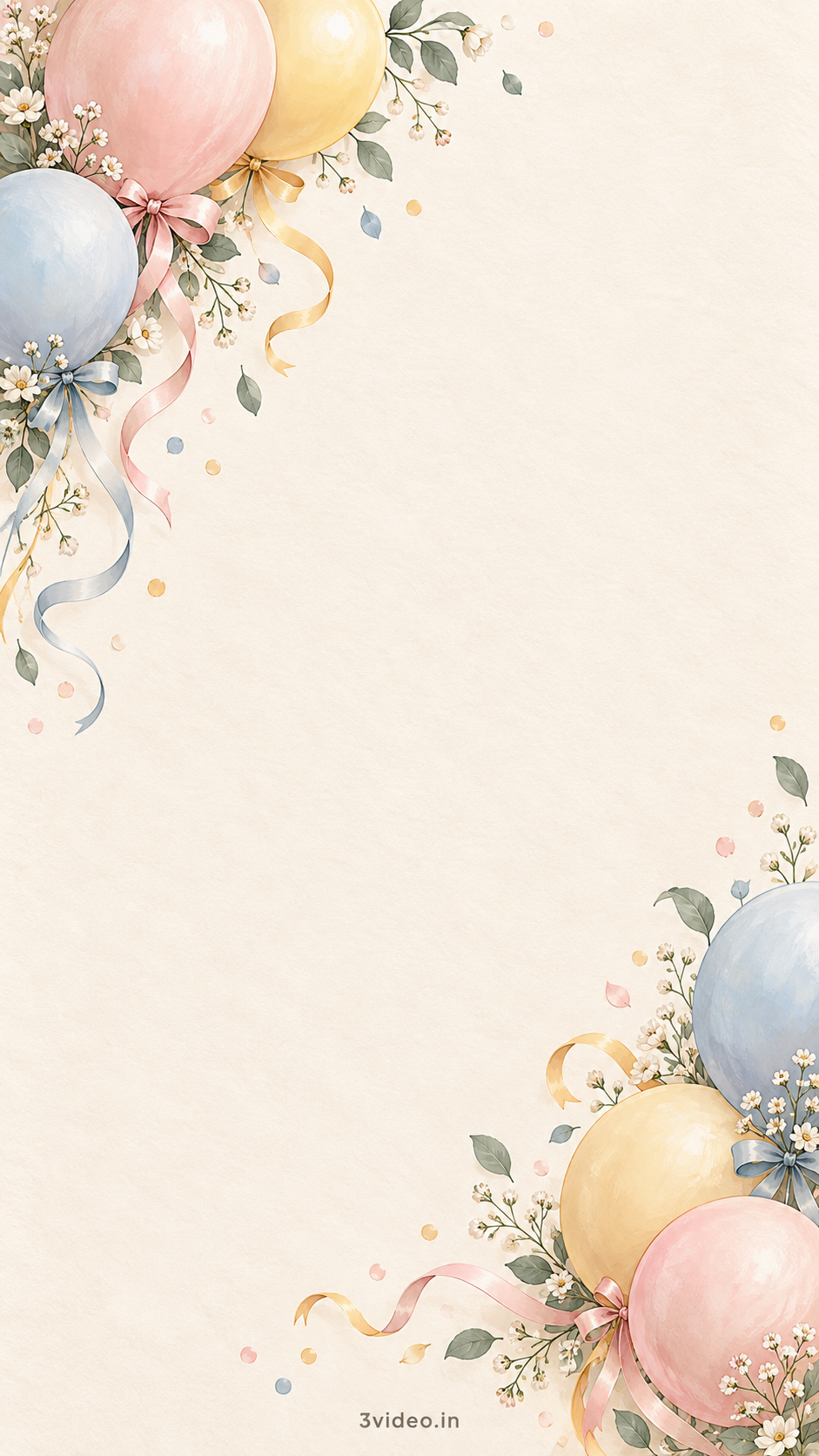
Soft pink, blue and yellow balloons frame a warm ivory centre. A gentle choice for a first birthday or family celebration; keep the name and details inside the clear middle.
2. Modern colourful confetti

Bold red, blue and yellow ribbons bring energy without filling the centre. Use a simple dark font and a short heading for a playful, easy-to-read invitation.
3. Botanical ivory
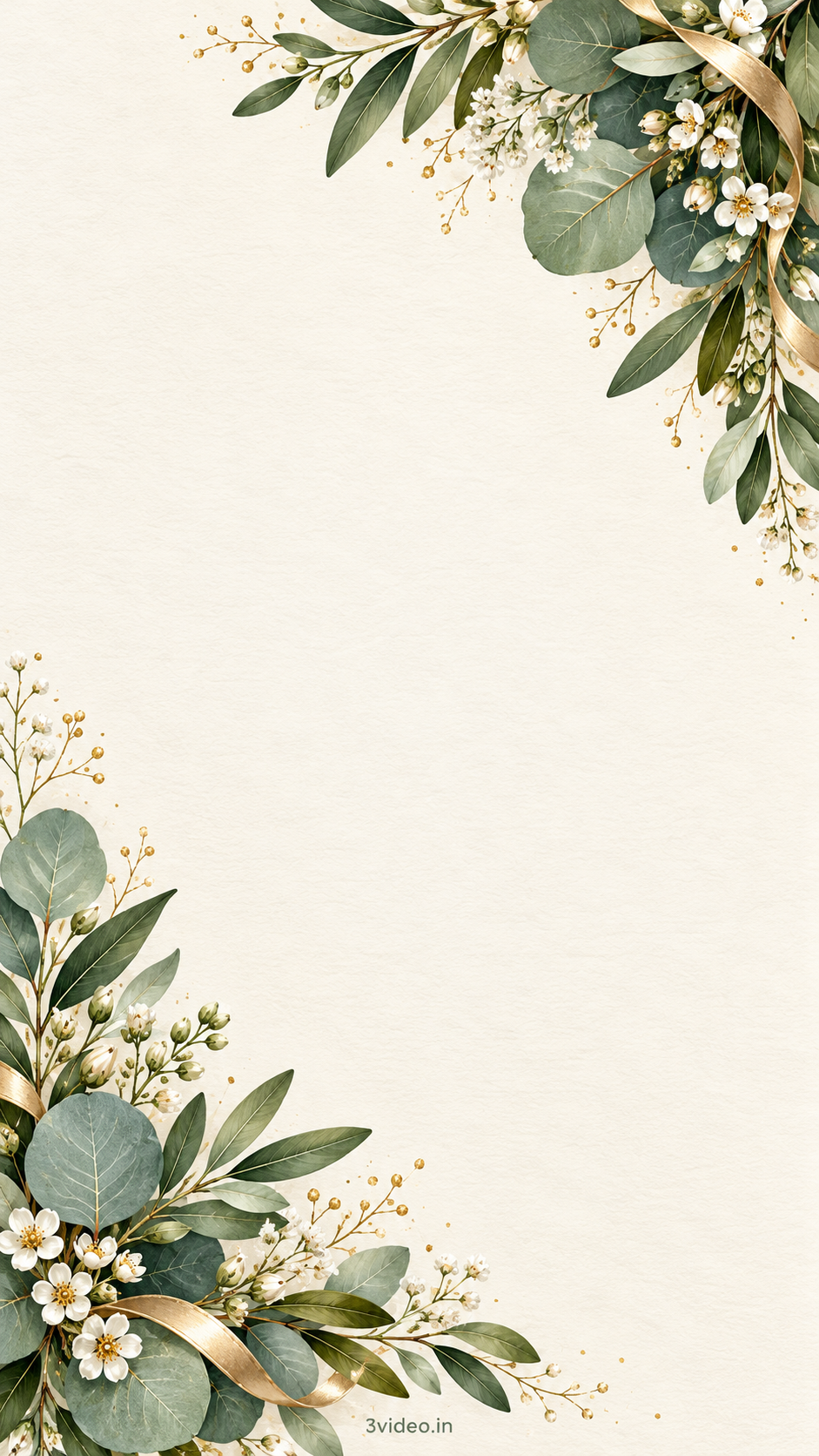
Green leaves and small white flowers sit at opposite corners. Try this quieter design for a birthday lunch or an understated celebration, with dark green or charcoal lettering.
4. Black and gold celebration

Gold framing and black-and-gold balloons leave a dramatic dark centre. Use light lettering with strong contrast, and keep the details comfortably inside the border.
5. Playful birthday cake
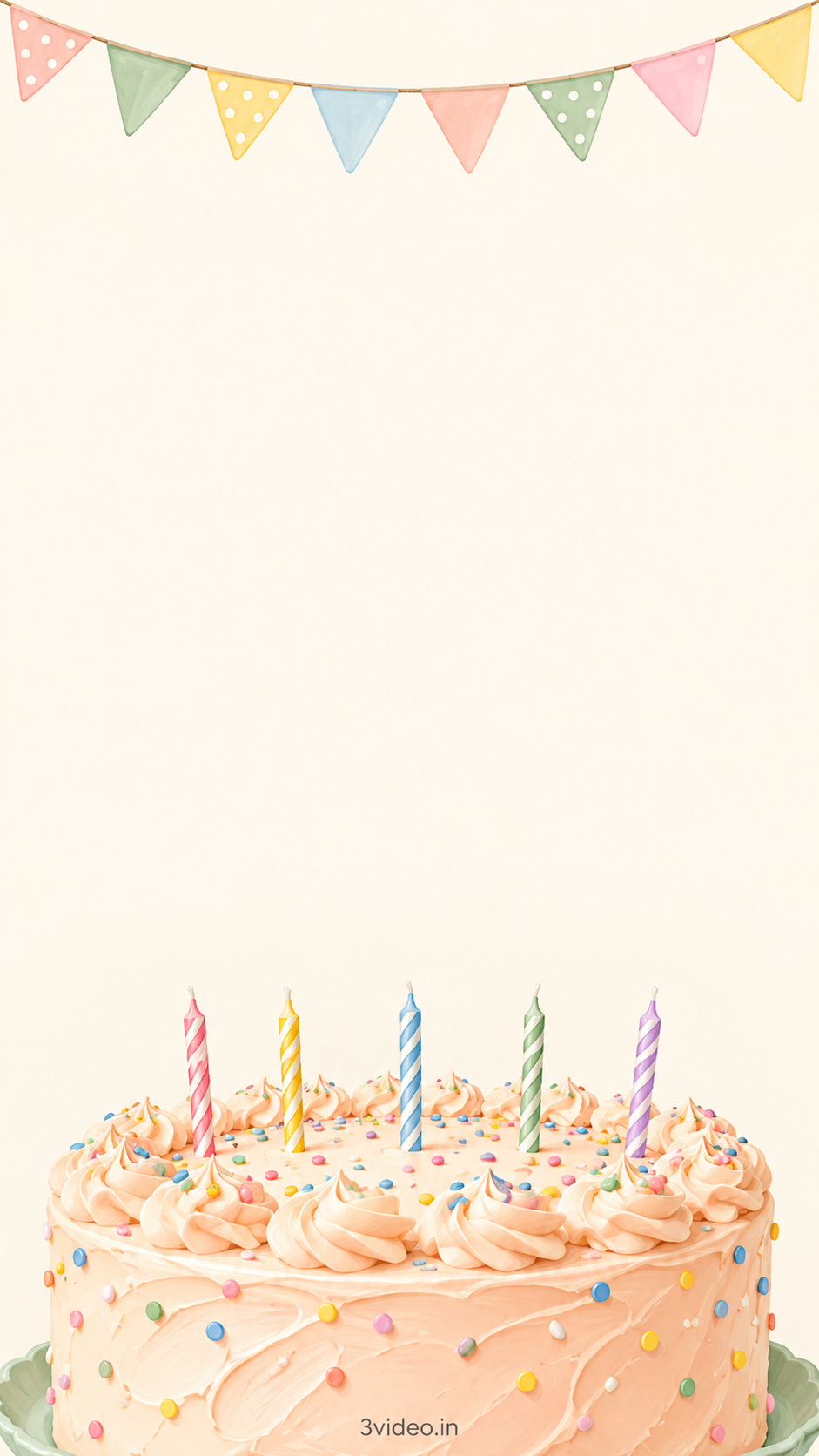
Pastel bunting hangs above a candle-topped cake. Place the name and party details in the open space above the cake rather than covering the illustration.
6. Lilac moon and stars
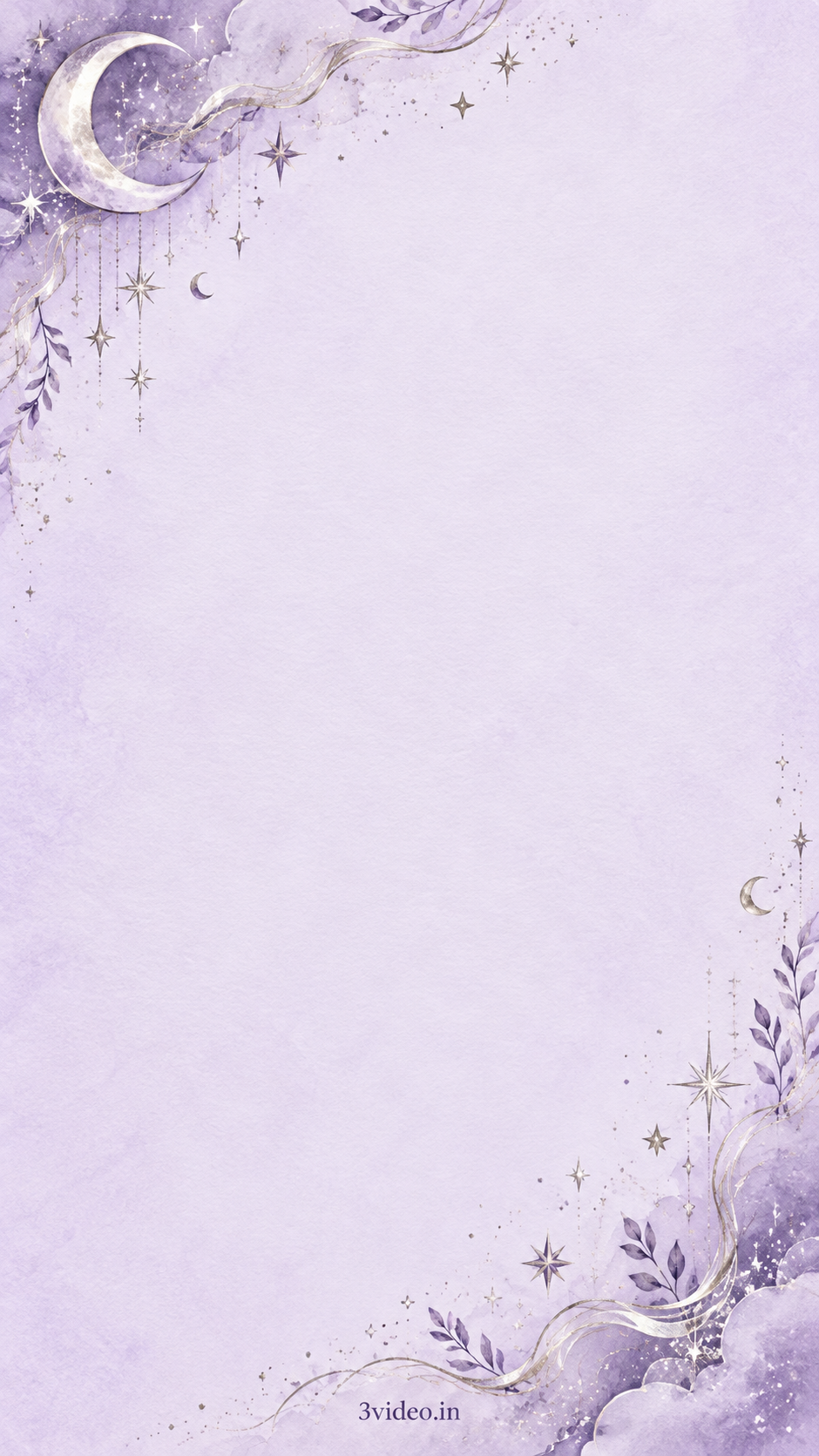
A lilac background with a crescent moon and delicate stars creates a dreamy look. Dark purple text will keep the wording readable; leave the corner details visible.
7. Mint gifts
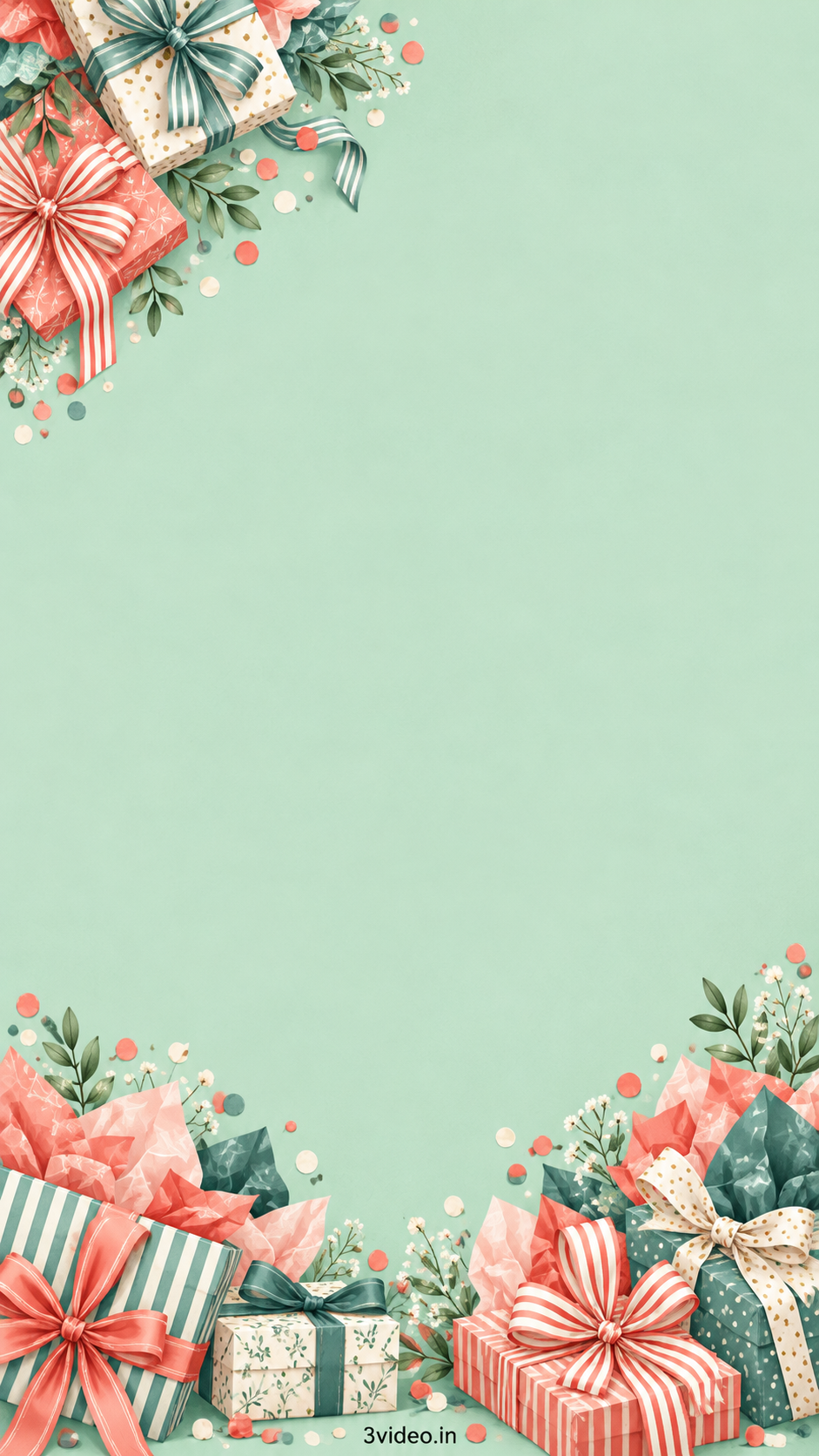
Wrapped gifts and leafy details frame a mint-green centre. Use the open middle for the birthday name and invitation, keeping the lower gift arrangement clear.
8. Blue sky and clouds
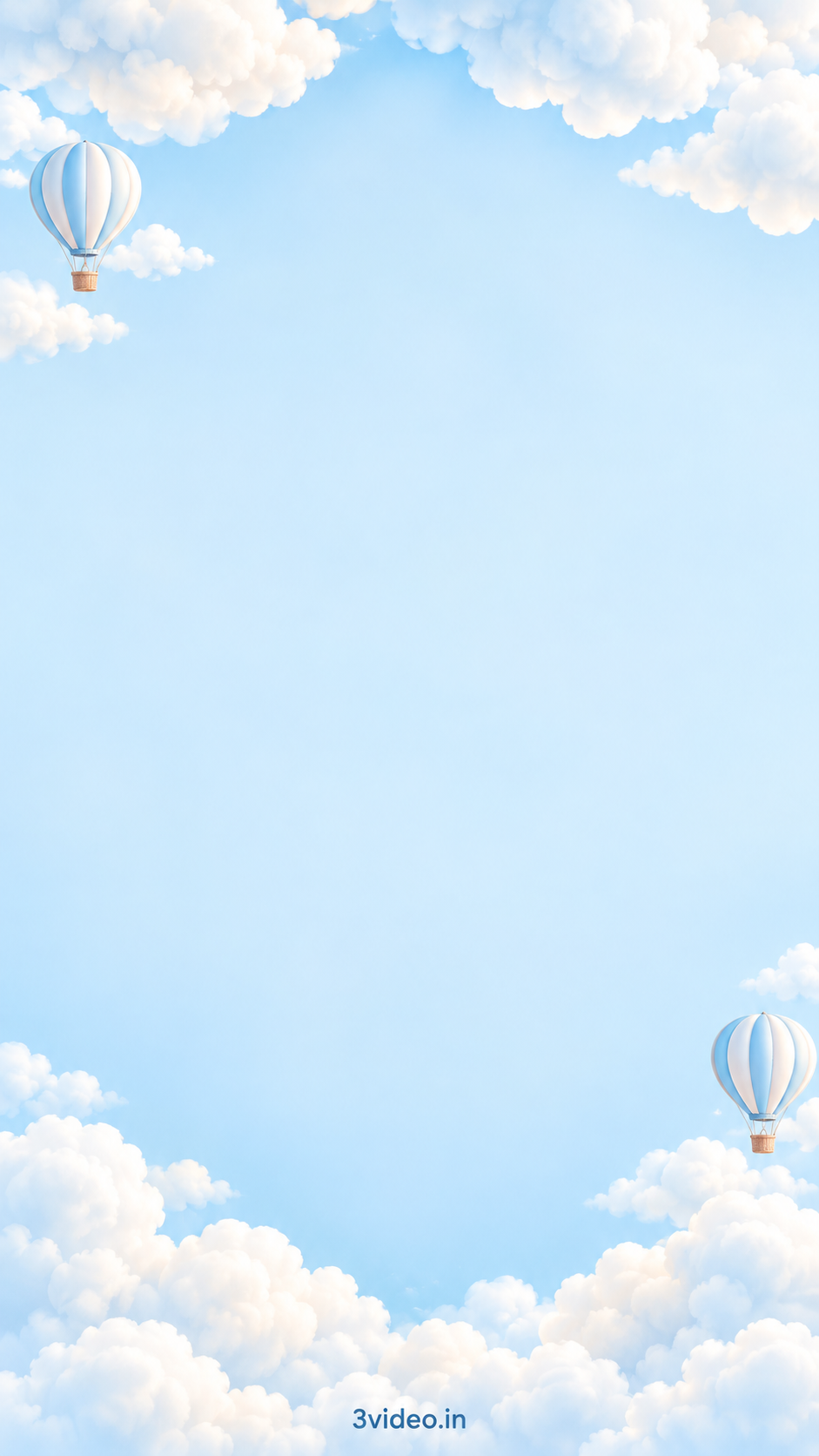
Fluffy clouds and small hot-air balloons surround a blue centre. A simple name, age and short invitation work well; check text contrast against the sky before sharing.
9. Peach florals
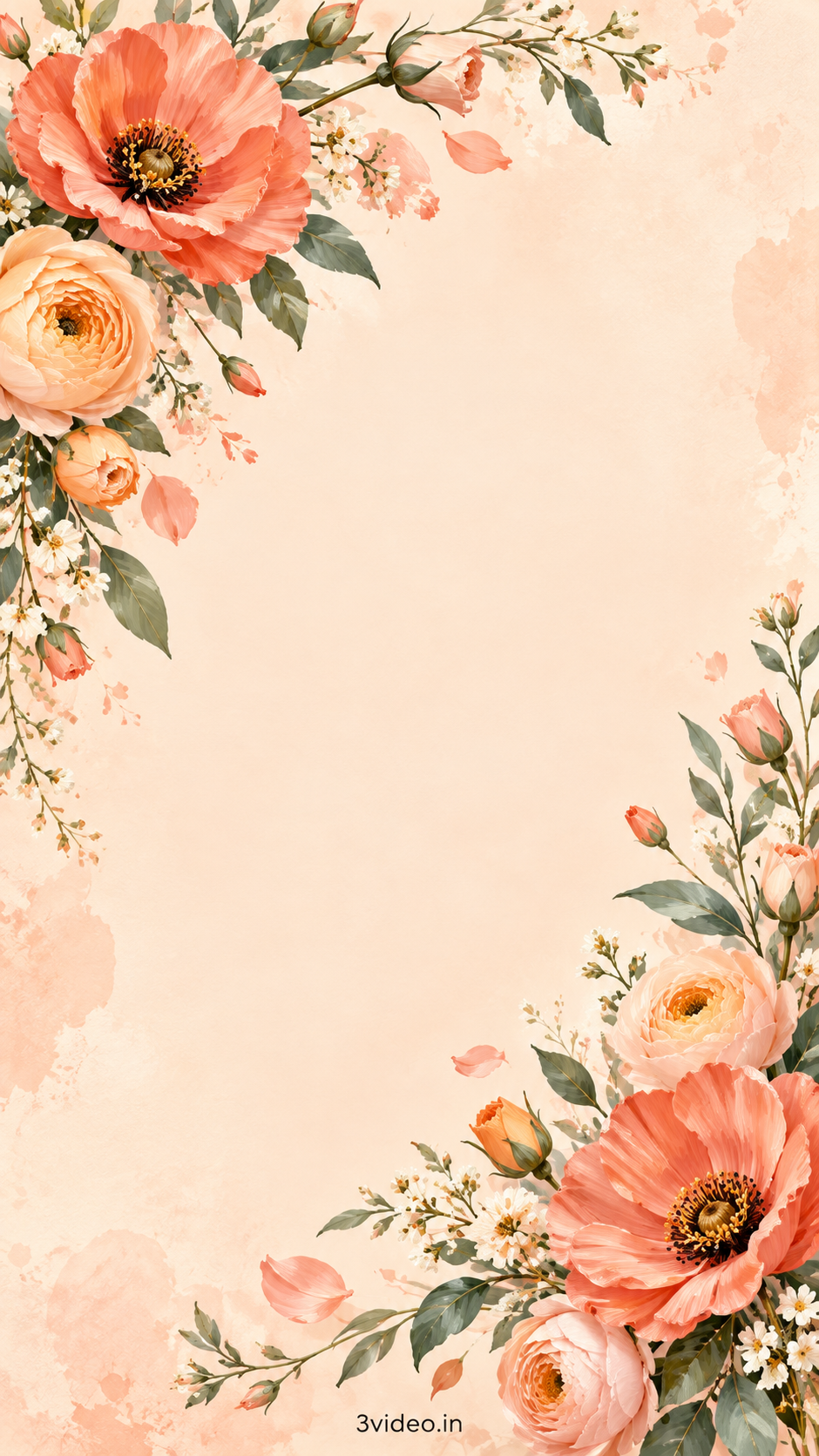
Peach and coral flowers decorate opposite corners of a warm, open background. Choose clear dark lettering for a relaxed family gathering or floral-themed birthday.
10. Rainbow arches and sunshine
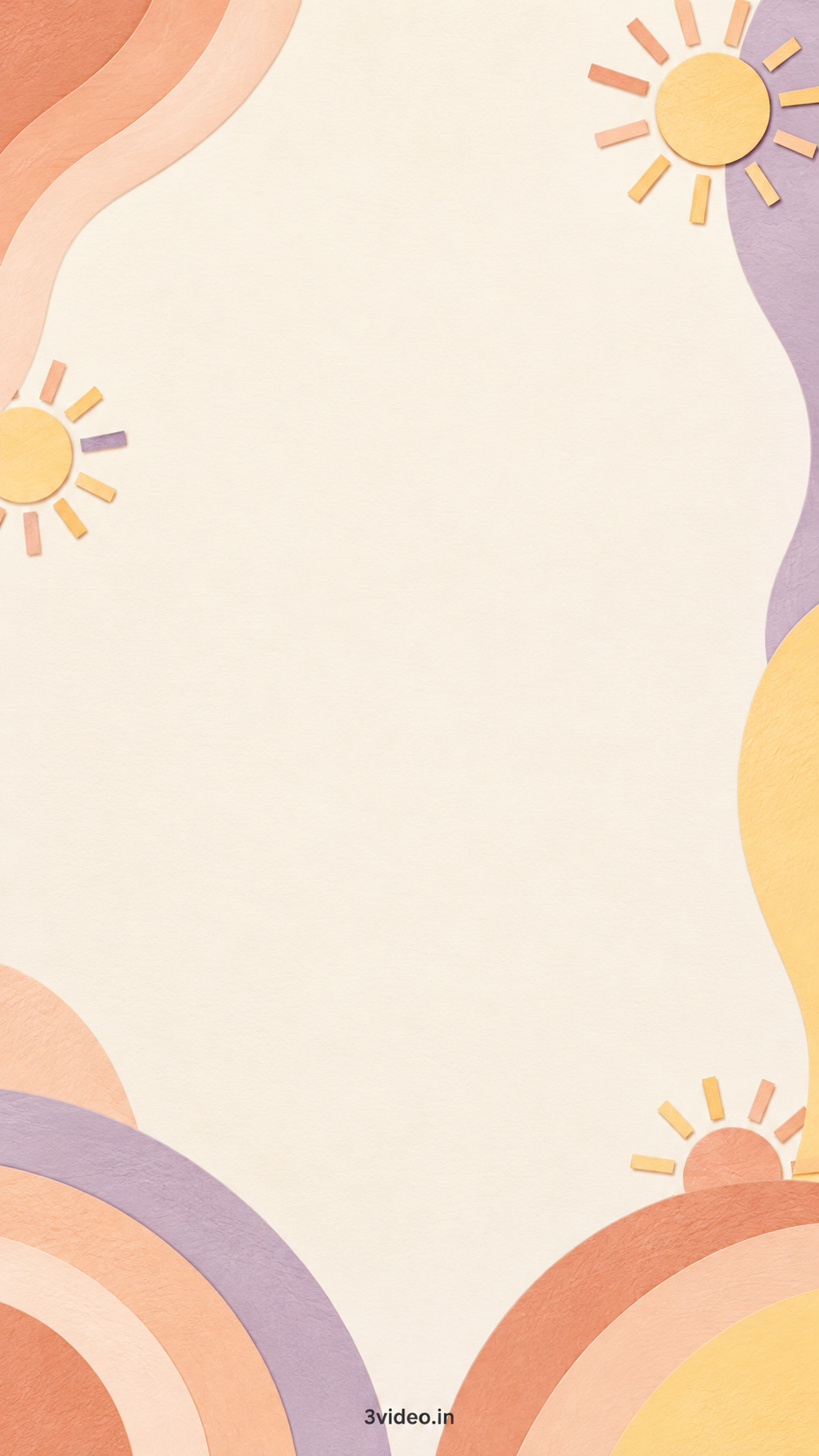
Soft peach, yellow and lilac curves surround a spacious cream centre. Keep your wording simple and let the gentle colour palette do the decorating.
View and download background 10: Rainbow arches and sunshine
11. Elegant burgundy
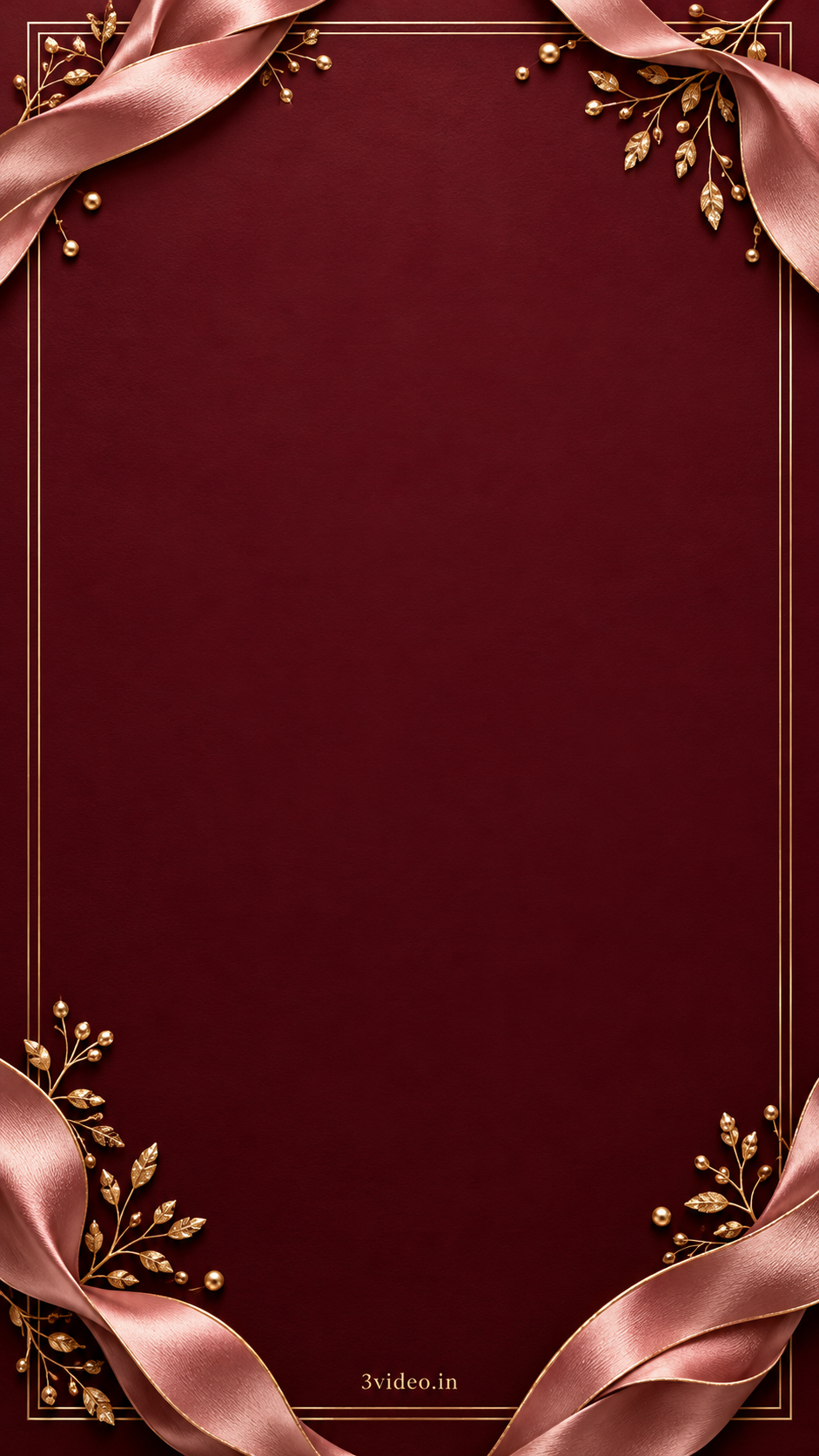
Rose-toned ribbons and delicate gold details frame a rich burgundy centre. Light lettering suits this more formal birthday dinner or milestone celebration.
12. Sunshine yellow and citrus
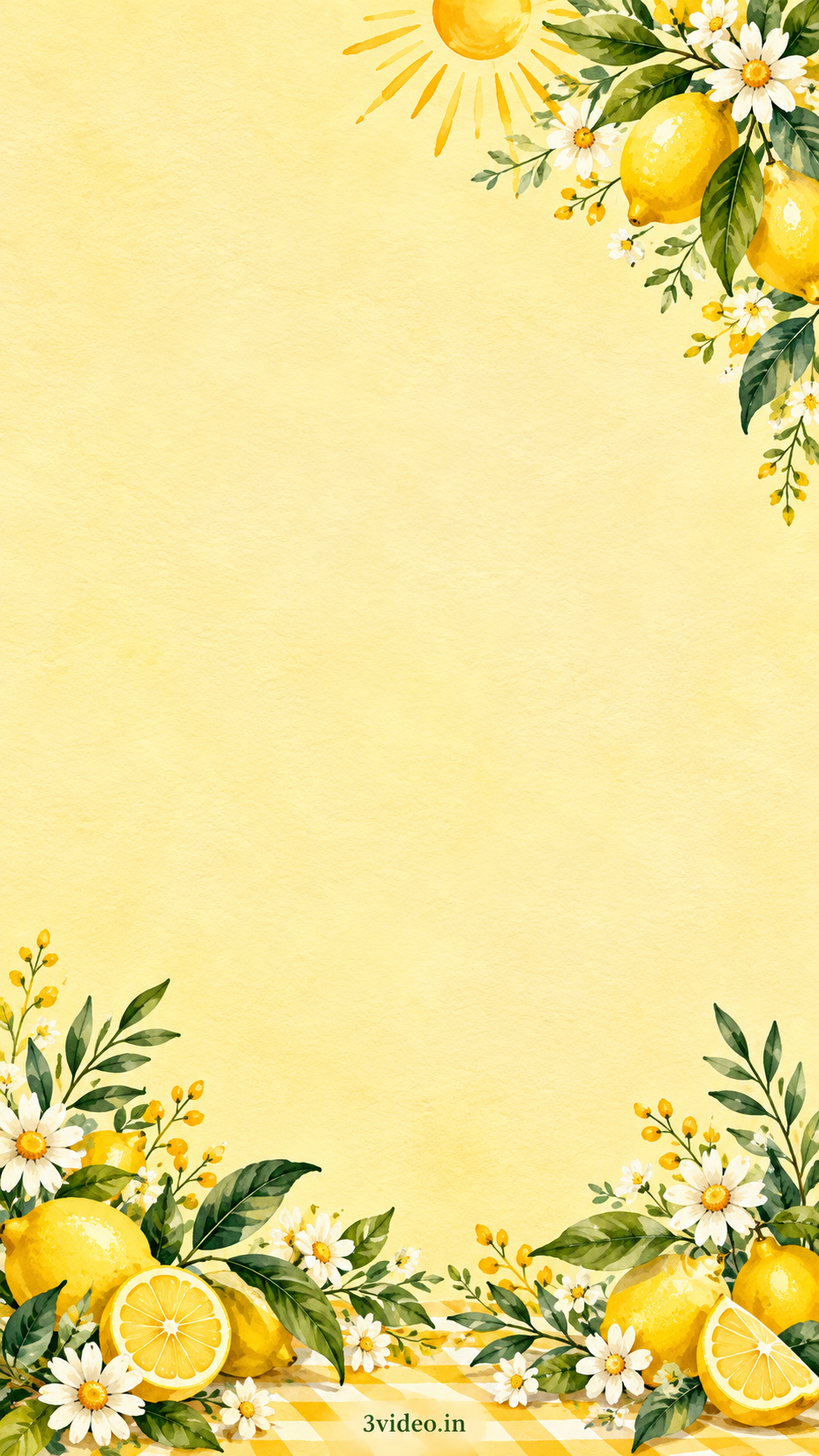
A sunny yellow centre is framed by citrus, white flowers and greenery. Use dark text for a cheerful daytime celebration, leaving the bottom branding unobstructed.
How to choose the right background
Start with the person whose birthday it is, not the design trend. For a young child, cheerful colours and balloons can work well. For a teenager, ask which style they actually like. For an adult, a simple photo-led layout or floral frame may feel more personal than a busy party illustration.
Then consider what needs to fit:
– Photo and short greeting: choose a large, clear centre.
– Invitation with date, venue and RSVP: leave more room for text.
– Long address or extra instructions: keep the artwork simple and put those details in the accompanying message.
– Themed party: match a few colours instead of filling every empty space with decorations.
Minimalist designs help longer wording stay readable. Floral designs give a softer look, while glitter-style or bold designs work best with less text. Check usage terms for cartoon or character artwork from other sources.
Explore first-birthday invitations, adult birthday invitations or birthday decoration ideas for home for related ideas.
How to add a name, photo and party details
You can use Canva’s birthday invitation maker or Adobe Express. Features and free or paid assets differ, so check before adding extras.
1. Upload the original background.
Keep its portrait proportions. Match the exact dimensions listed under your chosen image (940 or 941 pixels wide × 1672 pixels high) to avoid an unnecessary crop. If you choose another canvas size, fit the image carefully instead of stretching it, and check that the border stays visible.
2. Write the essentials first.
Include the name, age if wanted, date, time with AM or PM, venue and address, and RSVP contact. Add a reply-by date if it helps your planning.
If you’re making a birthday greeting poster rather than an invitation, a name and thoughtful wish may be enough. Don’t add event details that serve no purpose.
3. Add a photo without crowding the message.
Choose a clear photo the person would be happy to see shared. A circular or rectangular frame can work without removing the photo background. Leave space around the face and wording. If the layout feels crowded, make the photo smaller or leave it out.
4. Make the name prominent and the details readable.
Try one decorative font for the name and a simpler font for the address. Two fonts are usually enough. Use dark text on a light area or light text on a dark area. On a busy background, add a plain panel behind the words rather than shrinking them until they fit.
5. Make one personal change.
A favourite colour, familiar nickname or warm line can make a premade design feel considered. You don’t need extra stickers and effects everywhere.
For an animated invitation, use a video project and check the editor’s animation and audio options separately. A static PNG background itself contains no movement or music.
Copy-ready birthday invitation messages
- First birthday message
- Children’s birthday message
- Teen birthday message
- Adult birthday dinner message
- Surprise birthday message
- Hindi birthday message
Replace every bracketed detail before sharing. Use the opening lines on the design and place the remaining details below, or send the full message alongside the image.
First birthday: warm and family-focused
Our little [Name] is turning ONE!
A year of little discoveries and so much love deserves a celebration with the people who matter to us. Please join us for [Name]’s first birthday.
Date: [Date]
Time: [Time]
Venue: [Venue and address]
Please RSVP to [Host name and contact] by [Date].
We would love to celebrate this special day with you.
Children’s birthday: cheerful and clear
[Name] is turning [Age]!
Join us for games, birthday cake and a happy afternoon with friends.
Date: [Date]
Time: [Start time–end time]
Venue: [Venue and address]
RSVP: [Parent or host name and contact]
We hope you can come and make [Name]’s day even more special!
Host’s tip: if relevant, add “Parents are welcome to stay” so families know the arrangement.
Teen birthday: relaxed, not childish
Come celebrate [Name]’s birthday!
We’re getting together for [pizza, music, games or your actual plan], and it would be great to have you there.
[Date] | [Start time–end time]
[Venue and address]
Let [Host name] know by [RSVP date] if you can make it: [Contact].
Adult birthday dinner: personal and understated
I’m celebrating my birthday with dinner and some of my favourite people. I’d love you to join us.
Date: [Date]
Time: [Time]
Place: [Venue and address]
Please let me know by [Date] if you can come: [Contact].
Good food and your company would make a lovely birthday.
Host’s tip: if guests will pay for their own meals, explain that kindly before they accept. Clear expectations prevent an awkward surprise.
Surprise birthday: clear arrival instructions
Shhh… it’s a surprise for [Name]!
Help us celebrate [Name]’s birthday on [Date] at [Venue and address].
Please arrive by [Guest arrival time]. [Name] will arrive at [Celebrant arrival time].
RSVP privately to [Host name and contact] by [Date]. Please keep the plan off public posts and do not add [Name] to the planning group.
We can’t wait to see their face!
Hindi birthday invitation: simple and welcoming
हमारे प्यारे [नाम] के जन्मदिन की खुशियों में शामिल होने के लिए आप सादर आमंत्रित हैं।
आपके साथ यह दिन और भी खास होगा।
दिनांक: [तारीख]
समय: [समय]
स्थान: [स्थान और पूरा पता]
कृपया [तारीख] तक [नाम और संपर्क नंबर] पर आने की जानकारी दें।
आपका इंतज़ार रहेगा!
Save, share and check your finished design
For a static digital invitation, an image file is usually the simplest starting point. Adobe Express lists PDF, JPG and PNG downloads in its official invitation guide. Choose a format suited to how you’ll share or print the design.
Before sending:
1. Open the exported file on a phone. Can you read the address without zooming?
2. Check names, date, AM or PM, venue and RSVP details.
3. Remove any bracketed placeholders.
4. Send a test to someone helping organise the party.
5. Keep the editable project so a correction doesn’t mean starting again.
Put the venue link in the accompanying message. A URL typed into a JPG is not a clickable map link.
For a public birthday post, remove private addresses and phone numbers. Share those directly with invited guests.
Planning a printed poster or standee? These backgrounds are 940–941 × 1672 pixels. Enlarging the export won’t recreate missing detail. Ask your printer to check the source at the intended print size, or start with higher-resolution artwork.
Frequently asked questions
Where can I find free birthday poster backgrounds?
The sample links above open directly without a checkout. Editors also offer free and paid assets, so check labels before adding graphics or fonts. Download access is not permission to resell or redistribute artwork; check usage terms before commercial use.
Can I change individual balloons, flowers or colours?
Not as separate elements in these PNG files. They are flattened images. You can add text and photos, but independently editing existing decorations requires a layered source file.
Can I make the invitation on my phone?
Yes, using a suitable mobile design editor. Save the background, upload it, add text and check the exported result at normal phone size. Keep the layout simple if small elements become frustrating to arrange.
Why does my design look blurry?
Check whether you used a screenshot, small preview or enlarged original. Save the linked source and avoid stretching it beyond its useful size. A bigger export cannot restore detail missing from the source.
Should I use a premade background or a customised invitation?
A premade background can be enough for a simple image if you’re comfortable arranging the details. A customised design may suit a particular theme, coordinated artwork or video invitation. Explore 3VIDEO’s custom birthday invitations if you would prefer help.